

Request Expense
- Select Expenses & Requests from the menu bar
- Click Expense Requests from the tab
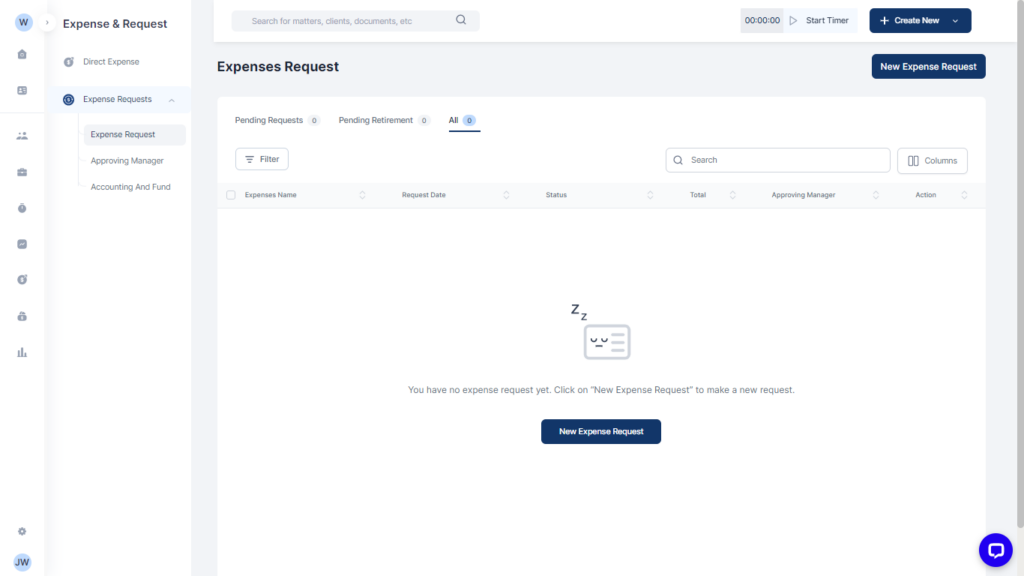
- Click on Add New Request
- Fill out the details:
- Select if this is a Client or Firm expense under the Linked to section and fill in required information.
- Fill in expense details
- Select the approving manager under other information, payment method and other parties involved as required
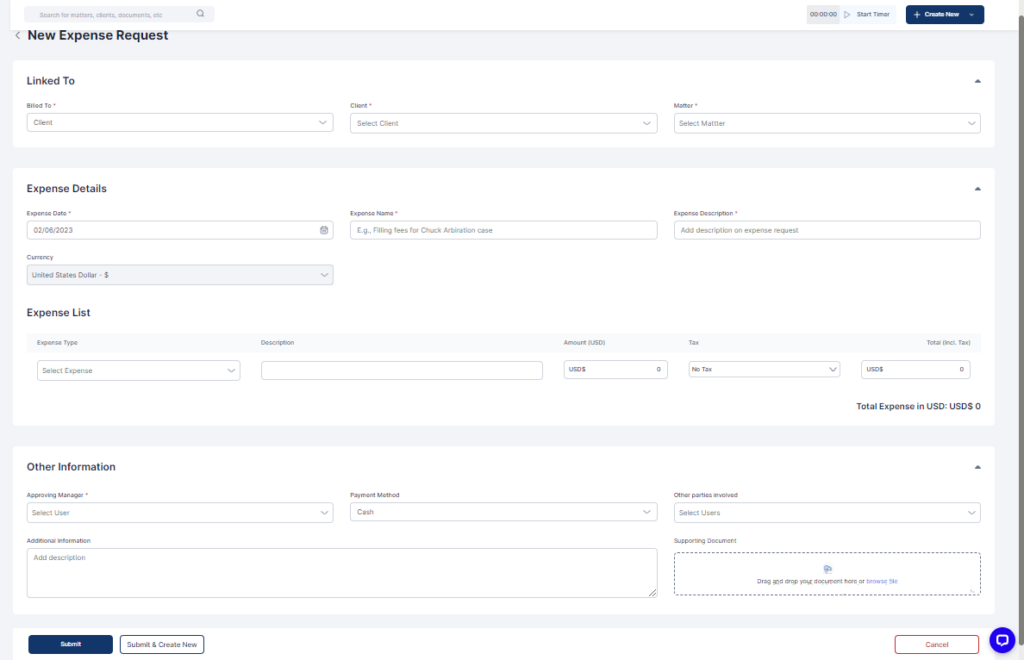
- Click on Submit or Submit & Create New as required
