Expense Policy
- Click on Settings on the menu bar.
- Select Expense Policy
- Click the three lines on the permission role you would like to edit and select Edit
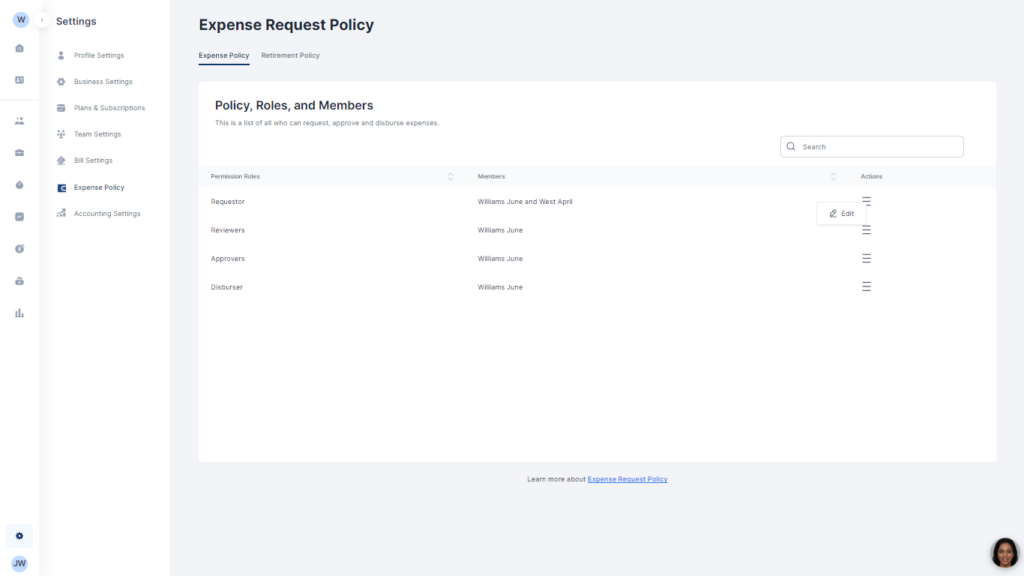
- Select your preferences and add users as required.

Manage your clients efficiently with just a few clicks. From intake to invoice, set the tone for a thrilling experience.

Docy
