Delete Expenses
- Select Expenses & Requests from the menu bar
- Click Direct Expenses
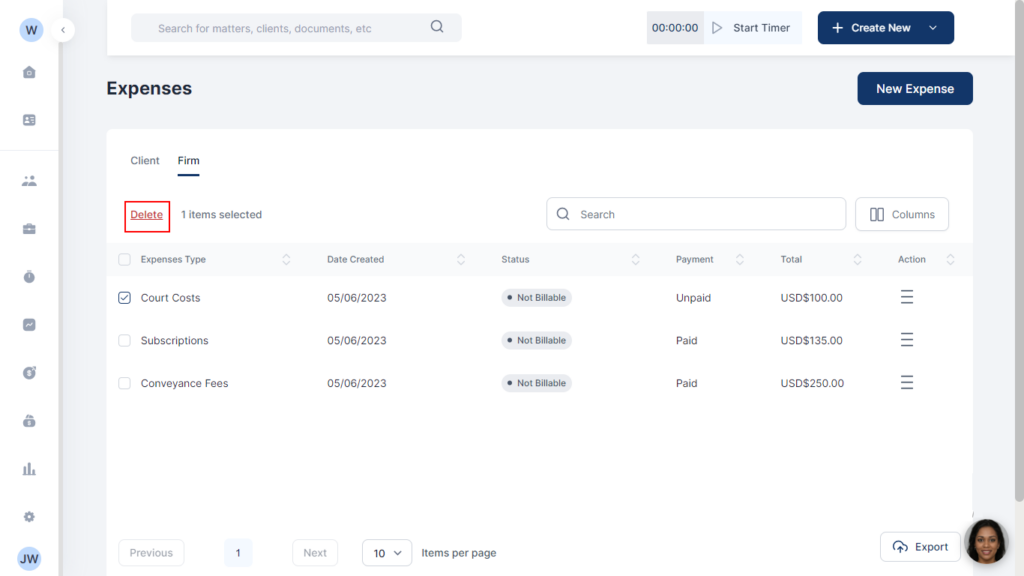
- Check the box of the expense you want to delete
- Click Delete on the tab
- Select Delete from the popup

Manage your clients efficiently with just a few clicks. From intake to invoice, set the tone for a thrilling experience.

Docy
