Delete Expenses
- On the home page, select Expenses
- Toggle between Firm and Client
- Swipe left on the expense to be deleted
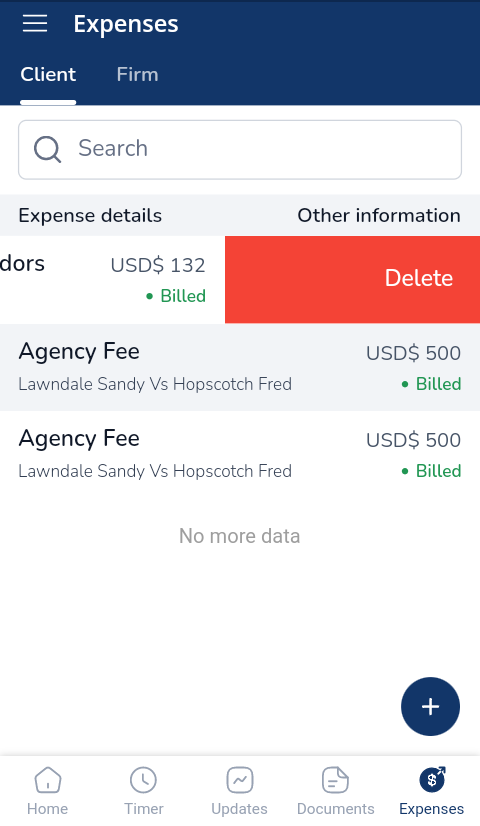
- Select Yes, Delete on the popup

Maintain a detailed and accessible record of funds held in trust. Track payments, disbursements, losses and gains at any given time. All from a single dashboard.

Docy
