

Sync Time to Billing
- Create a time entry by:
- Using the time clock at the Nav bar OR
- Using the create new time under time entries from the dashboard of the client
- Check the Billable box while creating the entry This allows you to bill or invoice clients later for this time spent later.
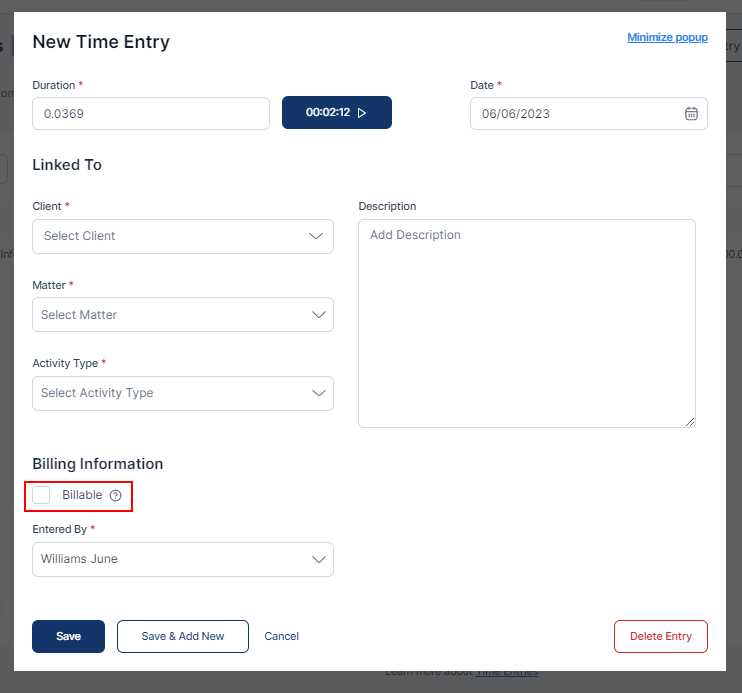
- Click on Save or Save and Add New Entry as required
