Using Time Clock
- On the top nav bar, click Start timer.
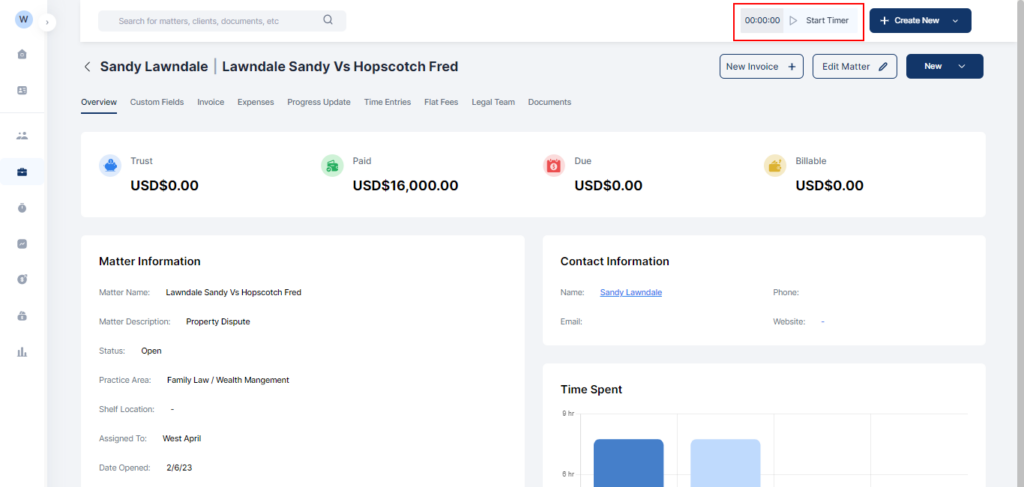
- To record the time, click the Stop button.
- Fill in the relevant fields in the pop-up that appears.
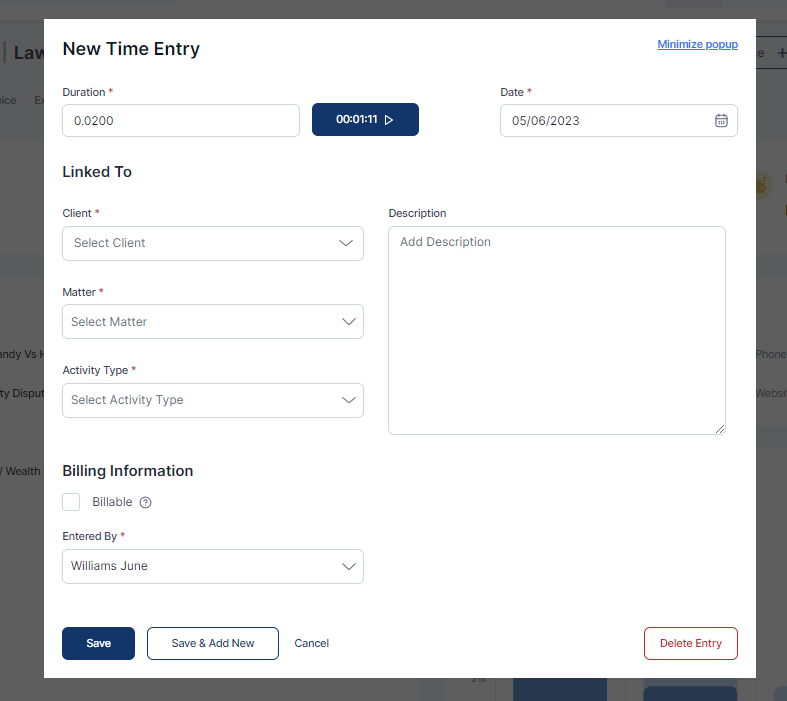
- Click on Save or Save & Add New as needed.

Maintain a detailed and accessible record of funds held in trust. Track payments, disbursements, losses and gains at any given time. All from a single dashboard.

Docy
