

Update Matters
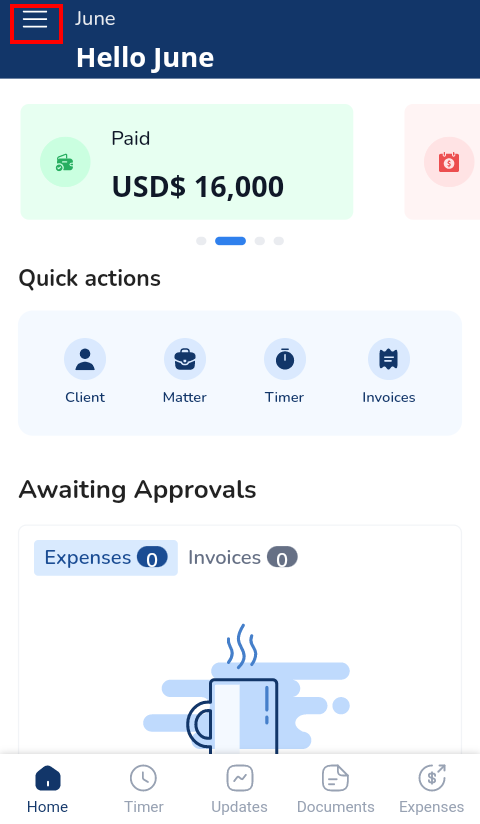
- Click the three lines at the top left corner to access the Menu Bar
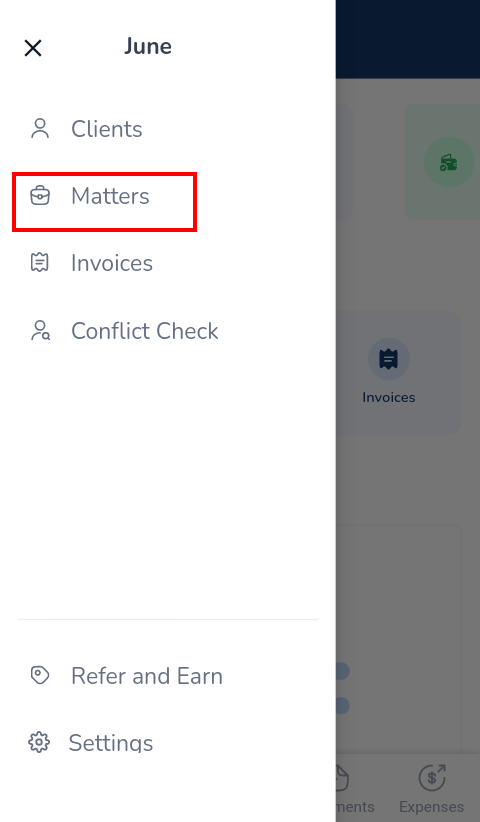
- Click Matters
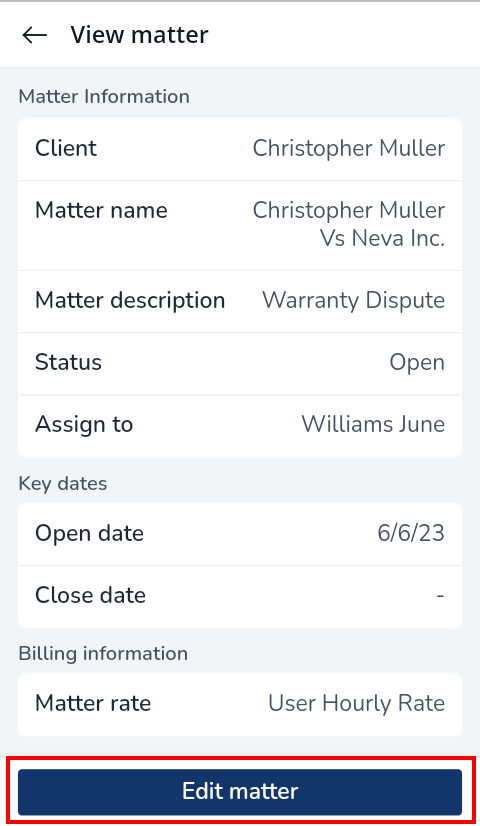
- Click on the matter to be edited
- Select Edit Matter
- Update relevant information and click Next
- Update the Date and Billing section if necessary
- Click Save Changes
