Edit Client
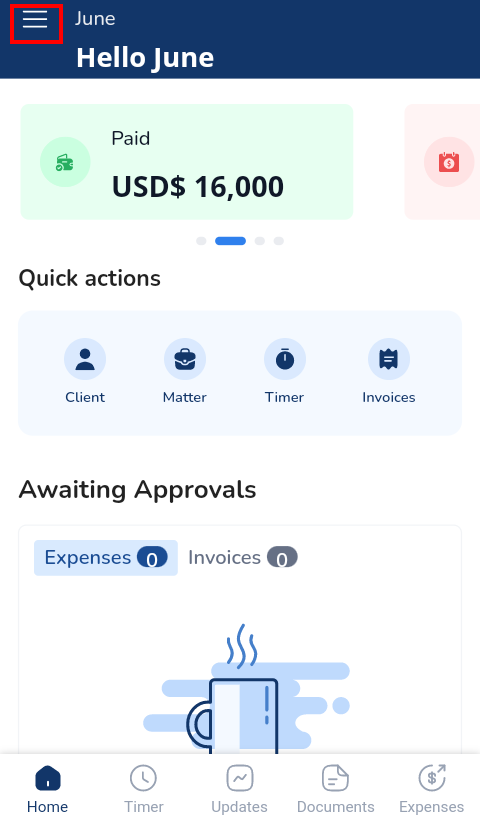
- Click the three lines at the top left corner to access the Menu Bar
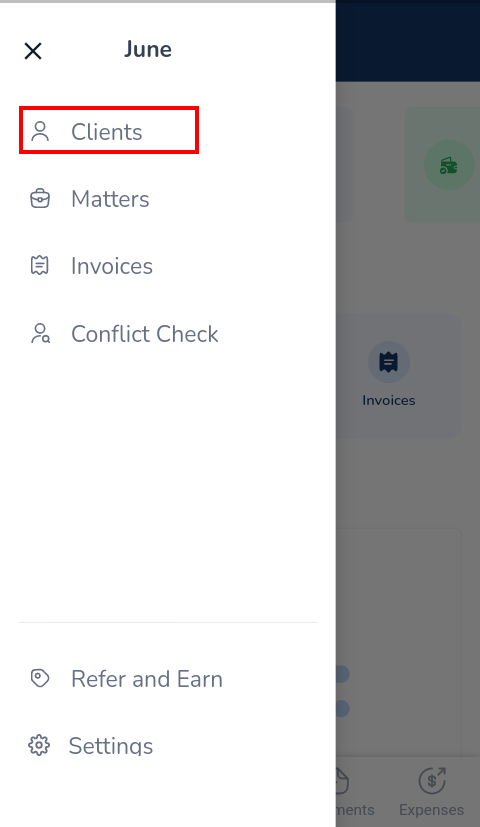
- Click Clients
- Click on the client to be edited
- Select Edit Client
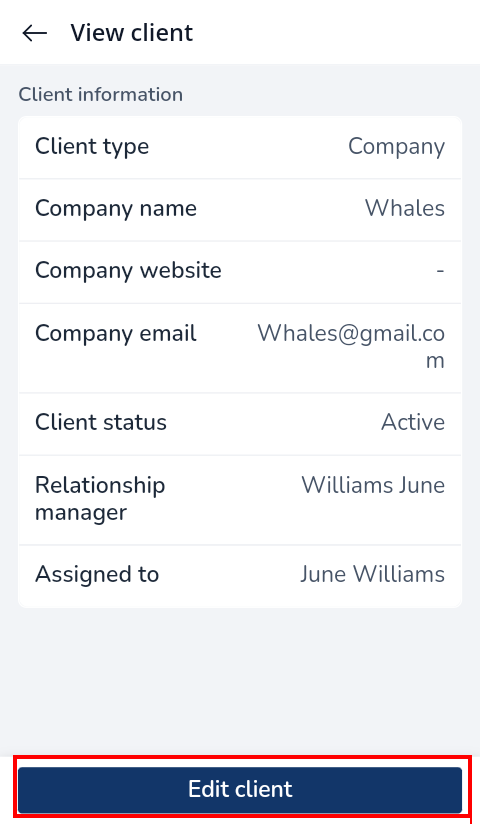
- Update the relevant information
- Click Save Changes

Manage your clients efficiently with just a few clicks. From intake to invoice, set the tone for a thrilling experience.

Docy
