Request Approval
- Click on Billing on the menu bar
- Select Trust Accounting
- Click on the Trust Request you want to submit for approval from Trust Request list
- Click on More options
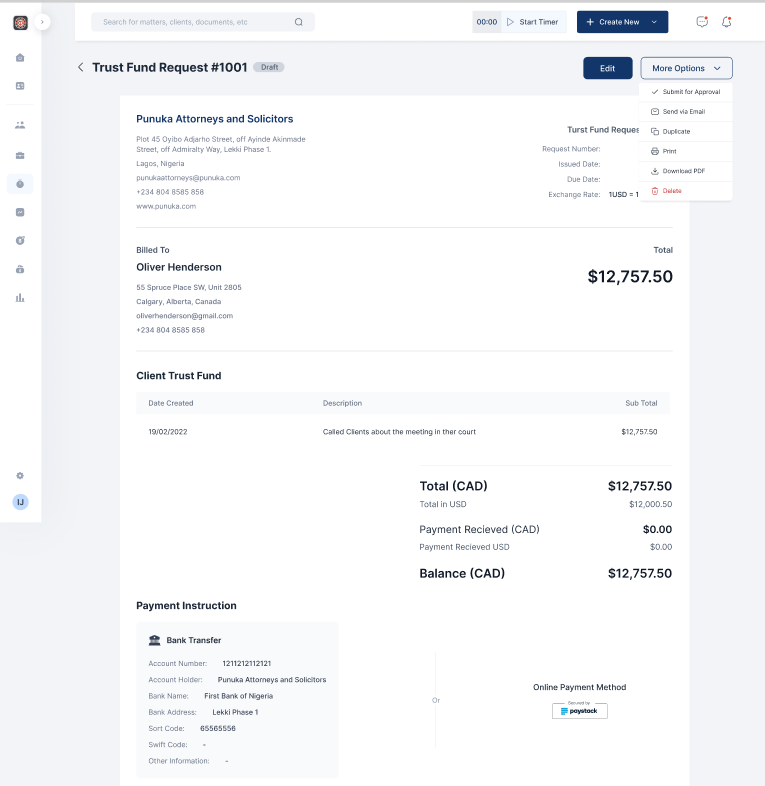
- Select Submit for approval from the dropdown list
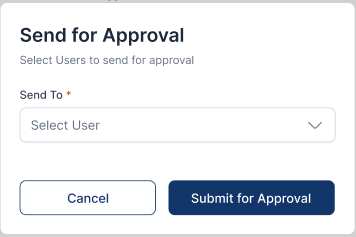
- Select the approver of the invoice and click Submit for approval