

Online Payments
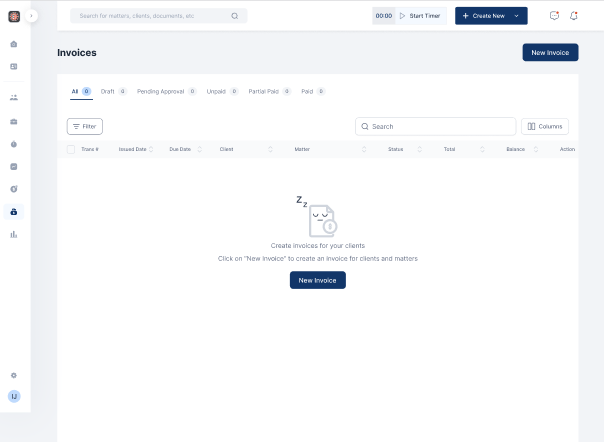
- Click on Billing on the menu bar
- Select Invoice
- Click on New Invoice
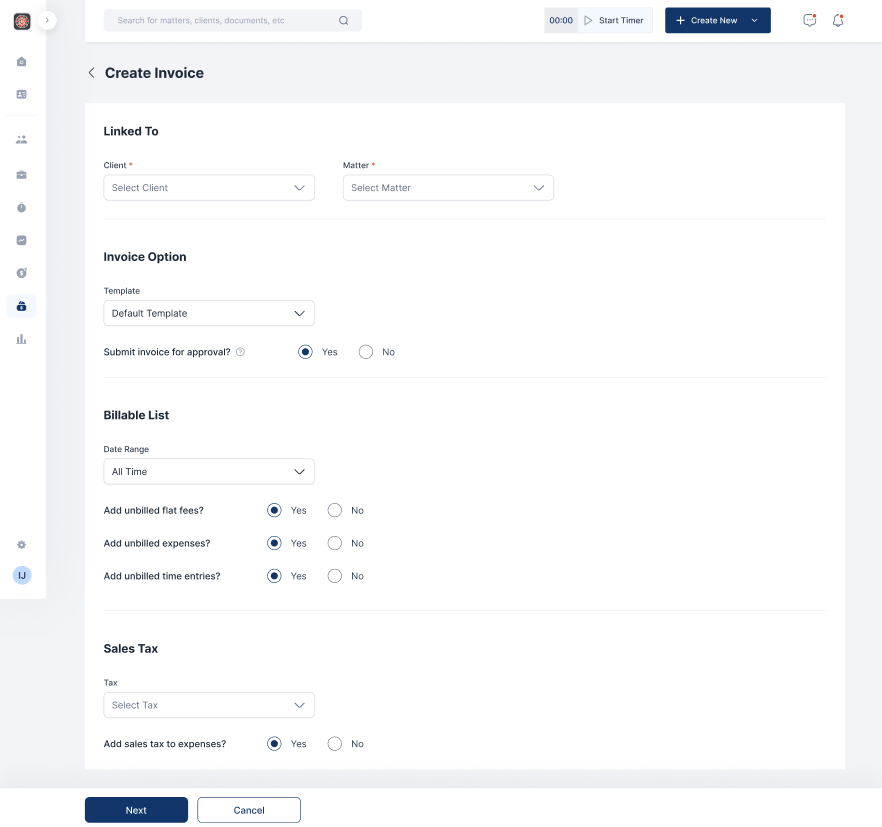
- Fill out the relevant fields and click on Next
- Input bill terms, Flat fees, Expenses and time entries if relevant
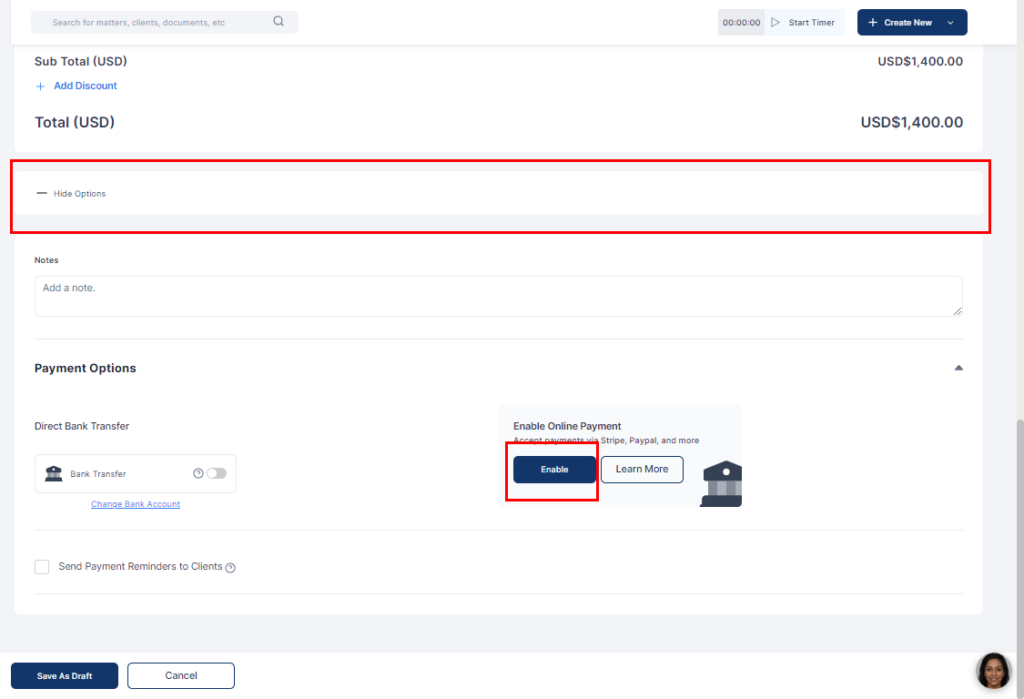
- Click Show more options
- Click Enable on enable online payment
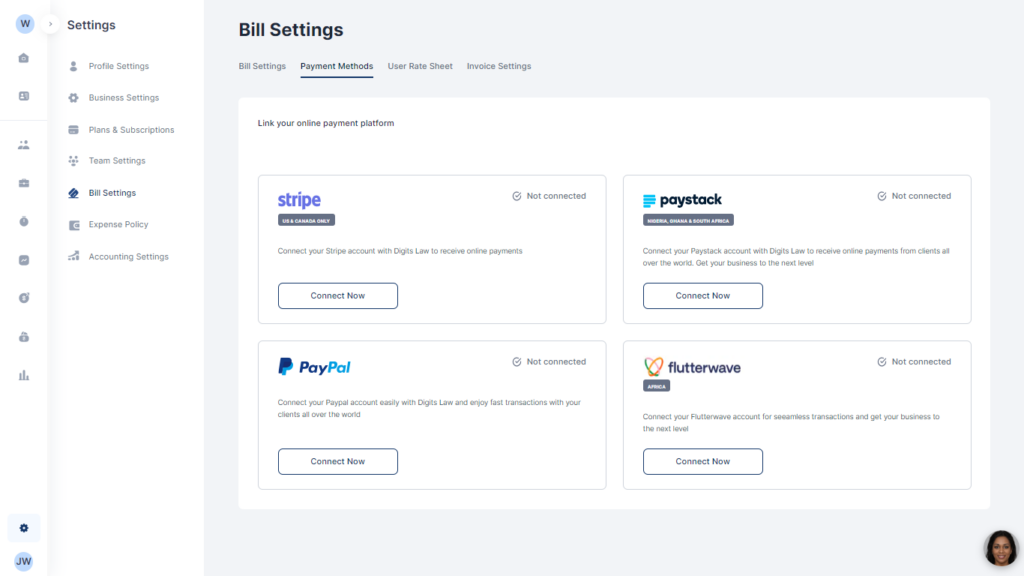
- Select your preferred online payment method and fill in your details to link your account
- On your invoice, add the online payment and click on Save as draft
