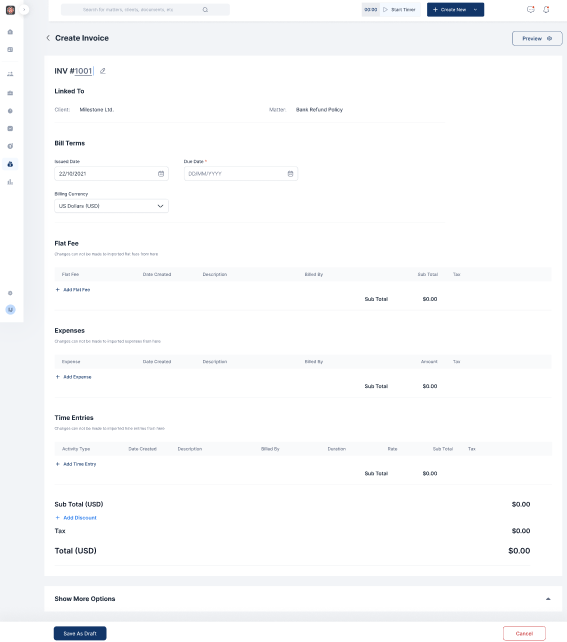
Invoices with Multicurrency
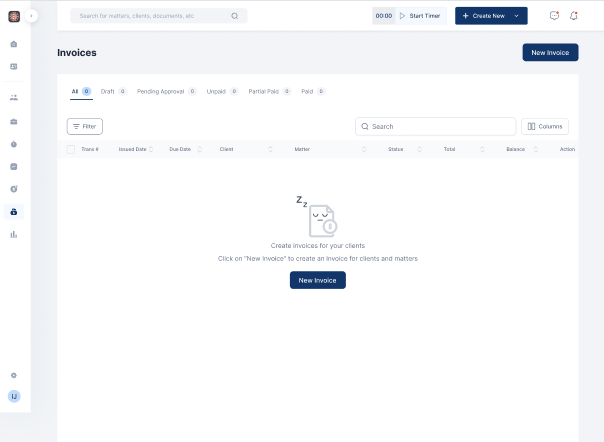
- Click on Billing on the menu bar
- Select Invoice
- Click on New Invoice
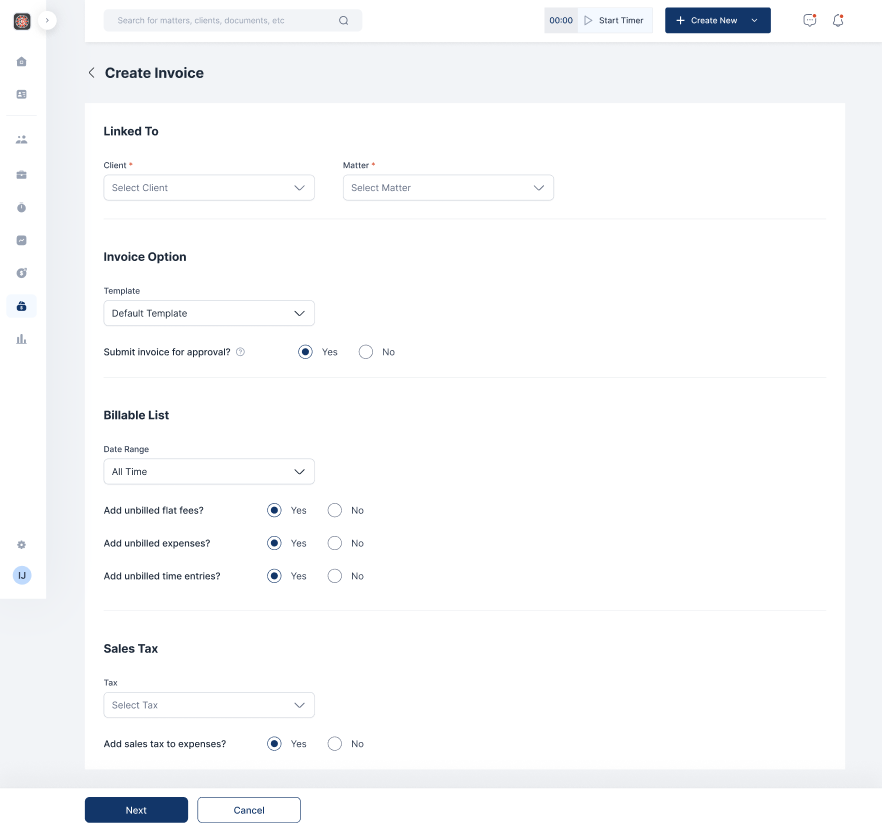
- Fill out the relevant fields and click on Next
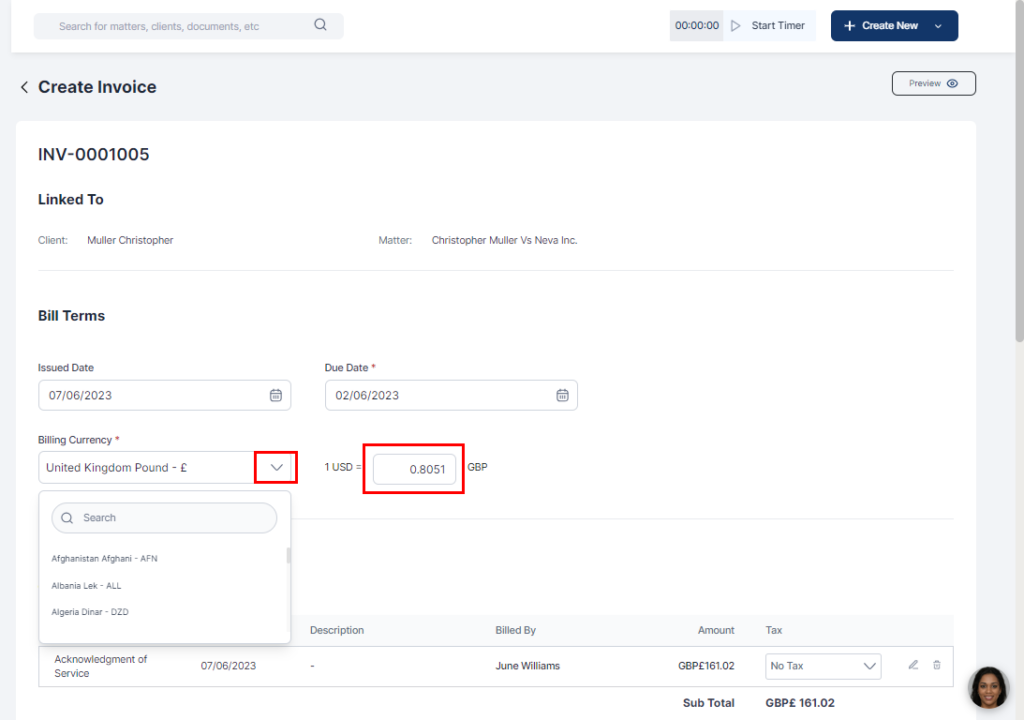
- Fill in the client details and click the dropdown on the currency box to choose your preferred currency
- You can edit the exchange rate in the box
- Input bill terms, Flat fees, Expenses and time entries if relevant
- Click on Save as draft