Create Invoice
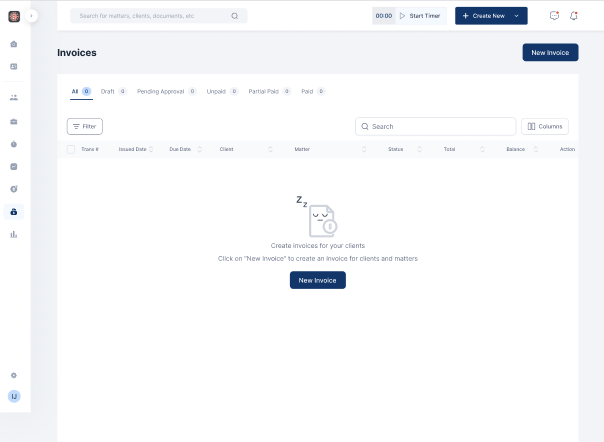
- Click on Billing on the menu bar
- Select Invoice
- Click on New Invoice
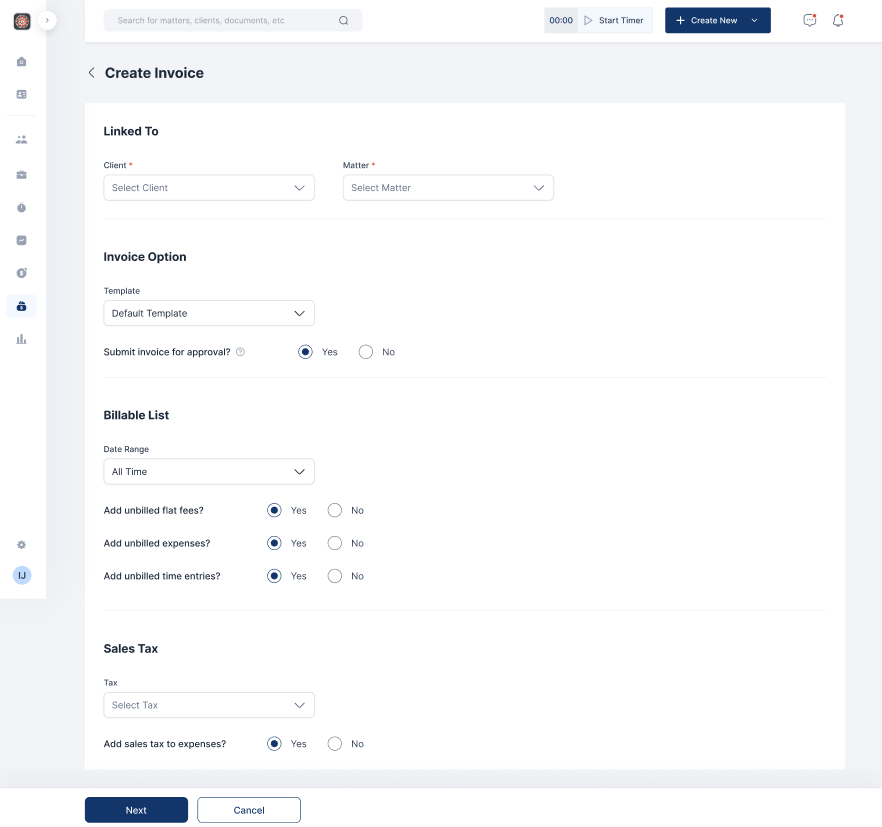
- Fill out the relevant fields and click on Next
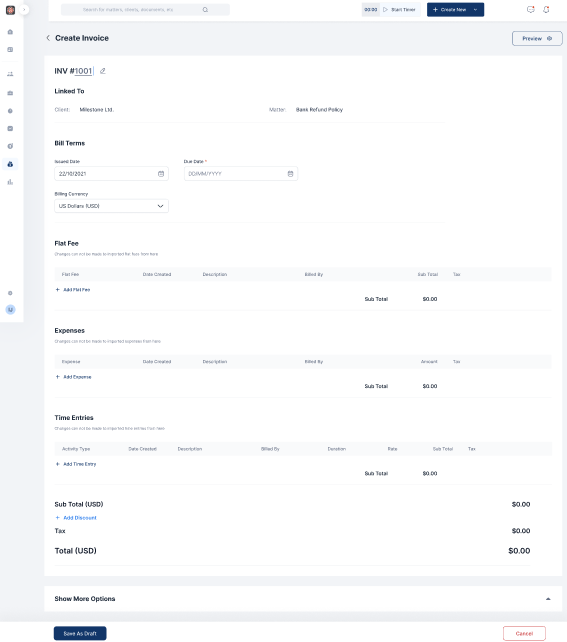
- Input bill terms, Flat fees, Expenses and time entries if relevant and click on Save as draft

Manage your clients efficiently with just a few clicks. From intake to invoice, set the tone for a thrilling experience.

Docy
