

Sync Flat Fees to Invoice
- Click on Billing on the menu bar
- Select Flat Fees
- Click on New Flat Fee
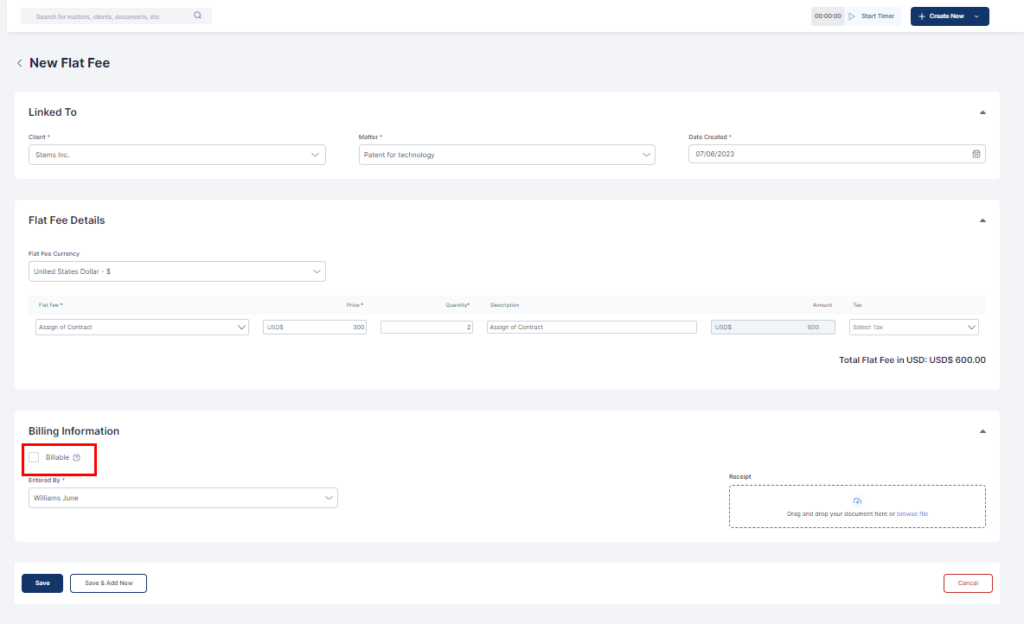
- Fill out all relevant information
- Check the Billable box. This allows you to invoice or bill the client later.
- Click on Save or Save & Add New as needed.
