Expense Budget
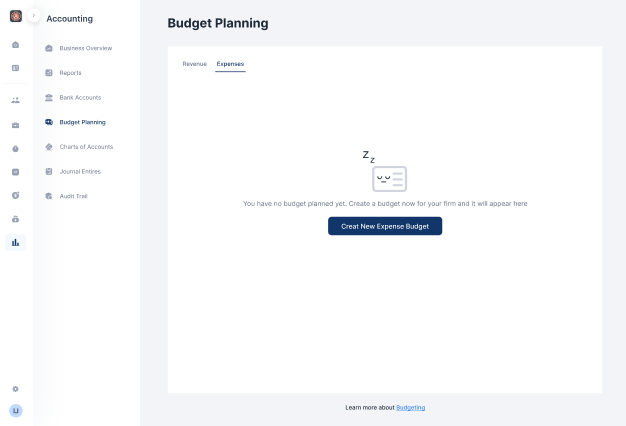
- Click on Accounting on the menu bar
- Select Budget Planning
- From the expense tab, click on Create New Expense Budget
- Fill out the budget year and enter the budget details
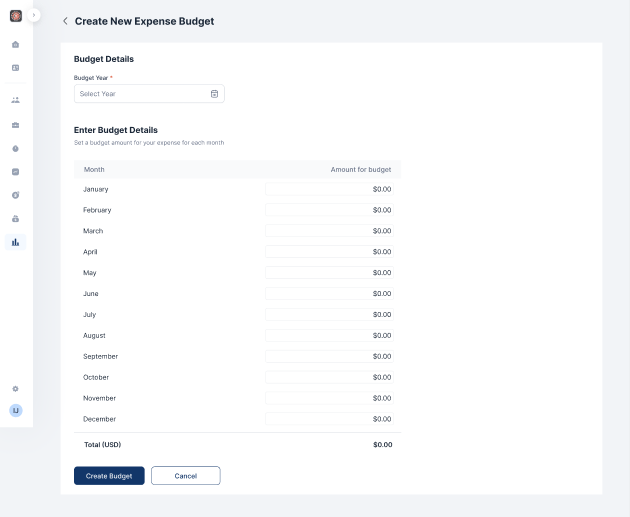
- Click on Create Budget

Maintain a detailed and accessible record of funds held in trust. Track payments, disbursements, losses and gains at any given time. All from a single dashboard.

Docy
