

Edit Invoice
- Click on Billing on the menu bar
- Select Invoice
- Click on the invoice you want to edit
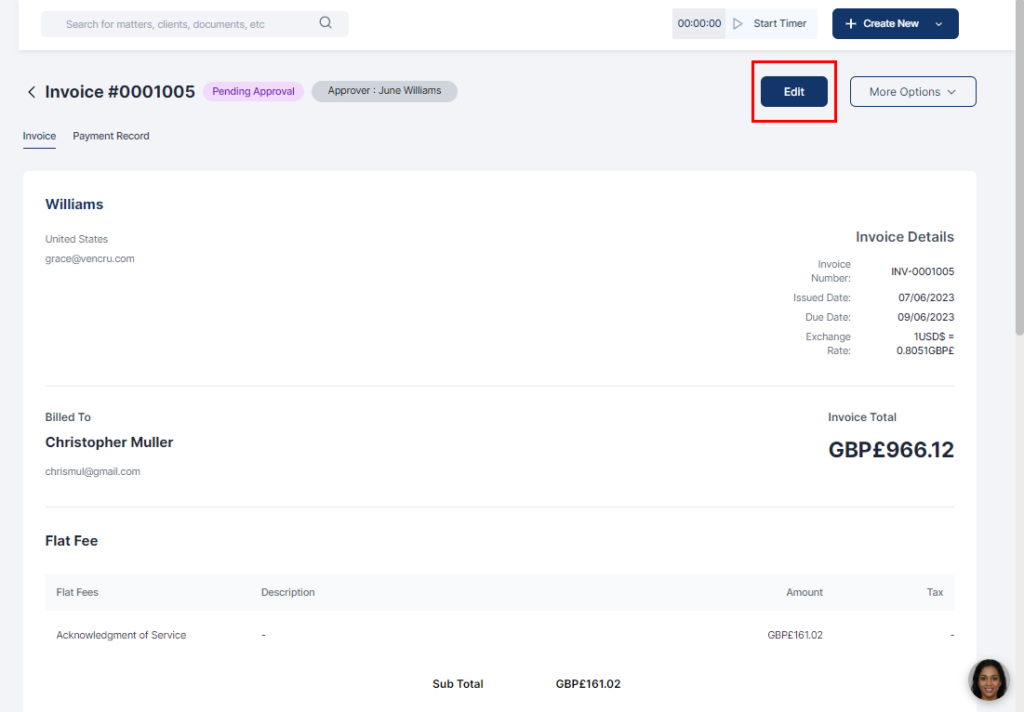
- Select Edit
- Update the relevant information
- Not all fields in approved invoices can be edited. An edited approved invoice is resent for approval.
- Click Send for Approval or Save Changes (for approved invoices)
