Editing Time Entries
- Select Matter from the menu bar
- Click on the matter whose time entry you want to edit
- Click on the Time Entries tab
- Select the time entry to be edited and select Edit
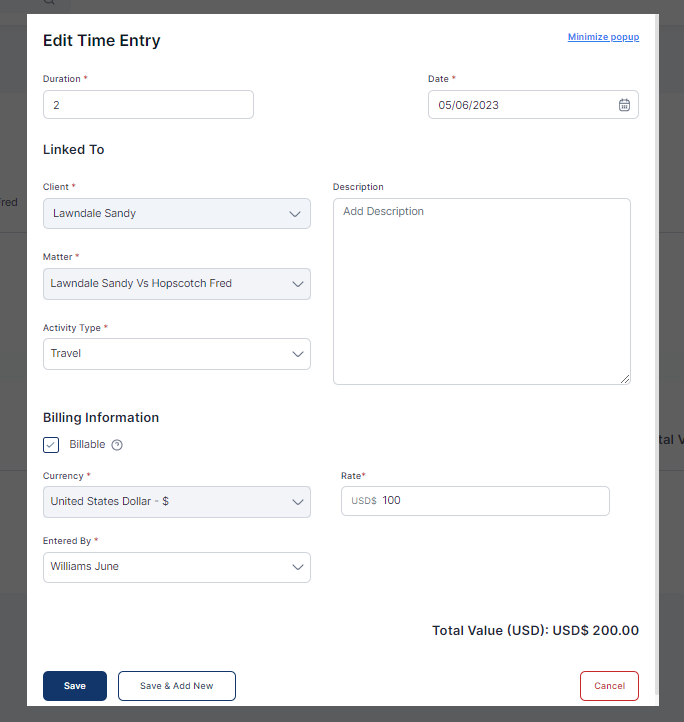
- Click Save or Save and Add New as required

Easiest, intuitive and most organized way to manage your law firm, clients, cases, billing, accounting and more.

Docy
