Edit Client
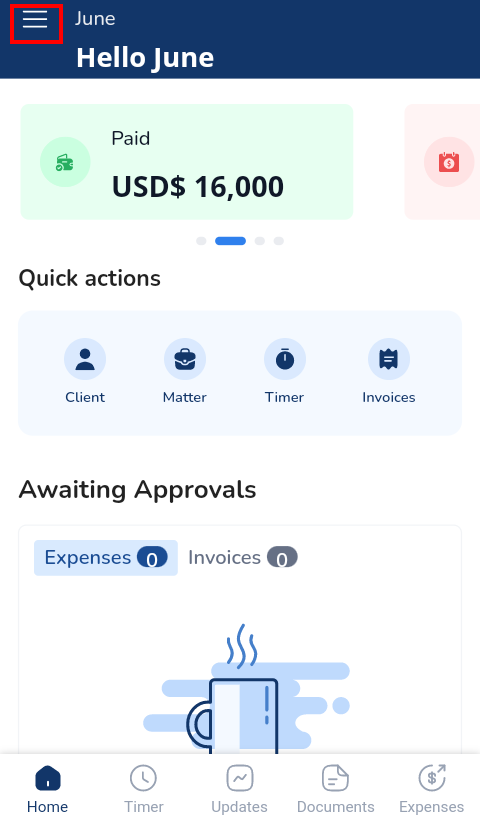
- Click the three lines at the top left corner to access the Menu Bar
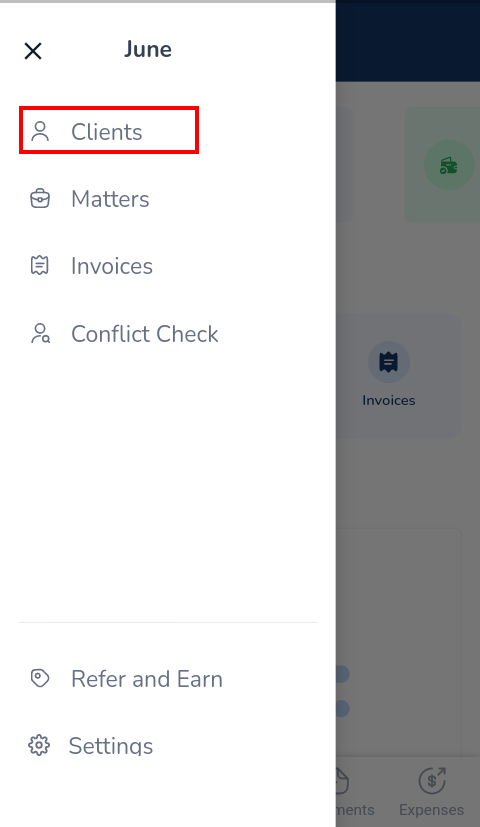
- Click Clients
- Click on the client to be edited
- Select Edit Client
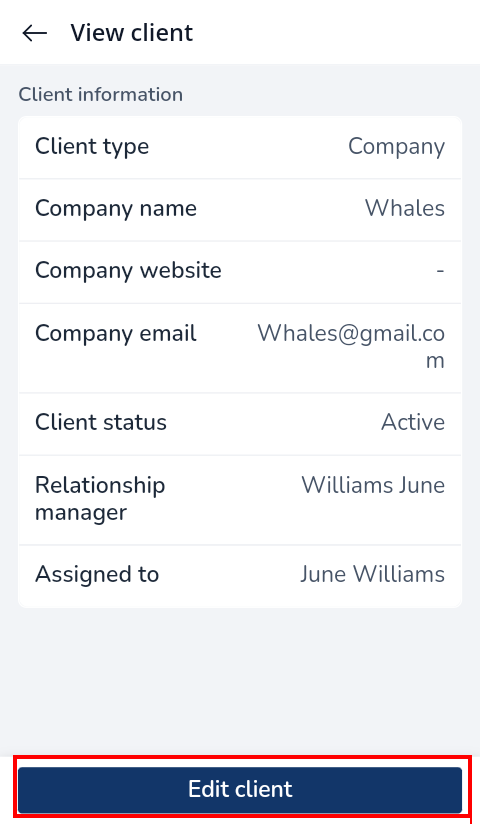
- Update the relevant information
- Click Save Changes

Easiest, intuitive and most organized way to manage your law firm, clients, cases, billing, accounting and more.

Docy
