

Review Productivity
- Select Clients from the menu bar
- Choose a client for whom you want to examine the billable and nonbillable hours.
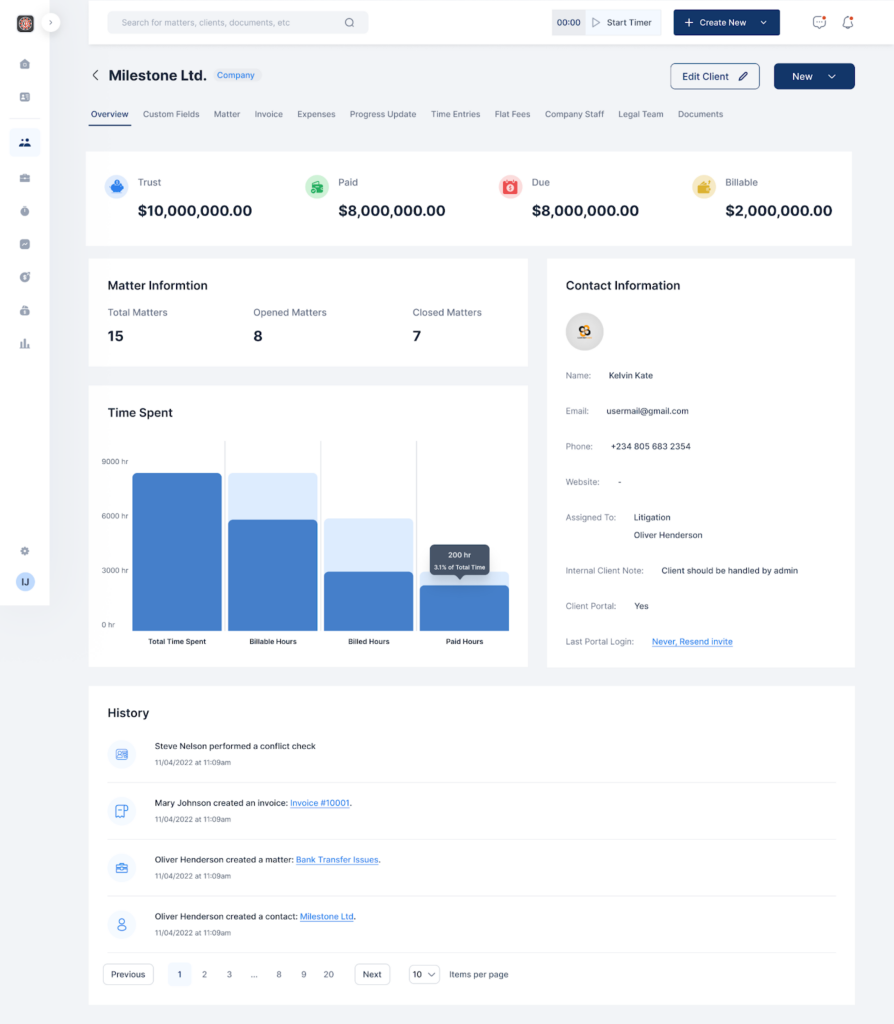
- On the Client dashboard, in the Overview tab, there is a graph that shows the Time Spent on the client.
- There, you can view the total time spent, total billable hours, total billed hours, and total paid hours.
