Add new clients manually
- Select Clients from the menu bar
- Click on Add clients
- Toggle between Individual and Company to create either
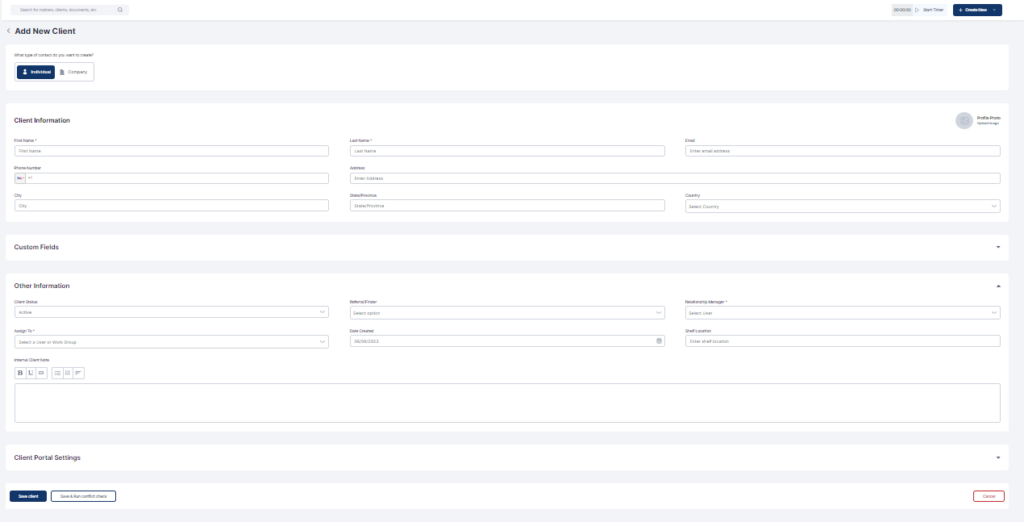
- Fill out all relevant fields
- Click on Save Client or Save & Run Conflict Check

Easiest, intuitive and most organized way to manage your law firm, clients, cases, billing, accounting and more.

Docy
